Hey folks! This issue is coming in a touch late, as I wanted to get a good amount of time in with Taki Udon's first public Console Mode release after its months hanging out in beta land, and my schedule has been nuts-o lately. But it's here!
Instead of prattling on about this and that at the start, I'm gonna stop wasting time and get right into it. Let's talk USER INTERFACES!
The Big Two
1. The MiSTer's Console Mode is here at last

Beta no more!!!
After months of testing, and months of his SuperStation One MiSTer being out in the wild, Taki Udon's Console Mode frontend for the FPGA system is now available for all to use. It's stable, it's fast, and it's almost exactly the MiSTer interface I was hoping for.
Installing Console Mode is easy, at least from a fresh install. Because I already have an SD card used to test the Zaparoo Frontend, I opted to go for a separate card and start from scratch with the Console Mode image on Taki's GitHub. In Windows I just flashed it to my SD card, then stuck that card in the SuperStation and turned it on. I got a black screen, which is normal — at least right now, on an HDTV connected via HDMI the system won't output a signal while the installer is running. I had faith, waited about 15 minutes, and when I glanced over it was alive and well.
Console Mode is impressively flexible in terms of display options. It defaults to a list view for viewing your game library, with a list of names in a column on the left and box art appearing for the highlighted game on the right. There's also a typical grid view, a big grid view that's more CRT friendly, and two horizontally scrolling views inspired by the Switch and PS4 that are each quite nice. Taki's favorite is the latter, SS4, and I can see why. It makes the leftmost, highlighted game art bigger, with a slick animation as you swap to the next entry in the library. If you tend to blaze full speed through hundreds of games, there's an option to turn off that animation for faster performance.
I tried it both ways, and didn't see any reason to leave the animation off: performance seems quite good at 1080p60. That's been my biggest surprise with Console Mode in general after trying the Zaparoo Frontend: This thing is fast.
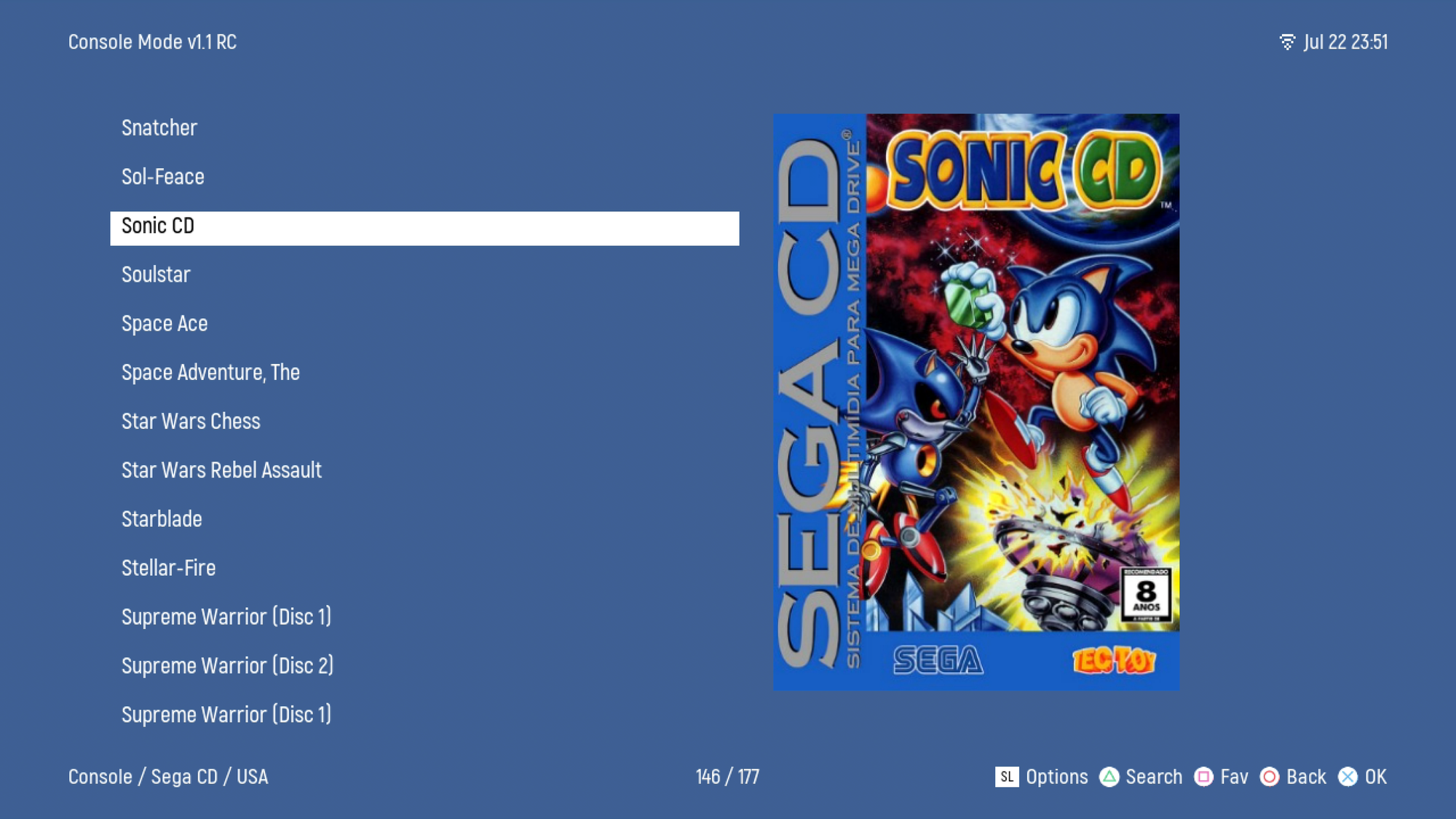
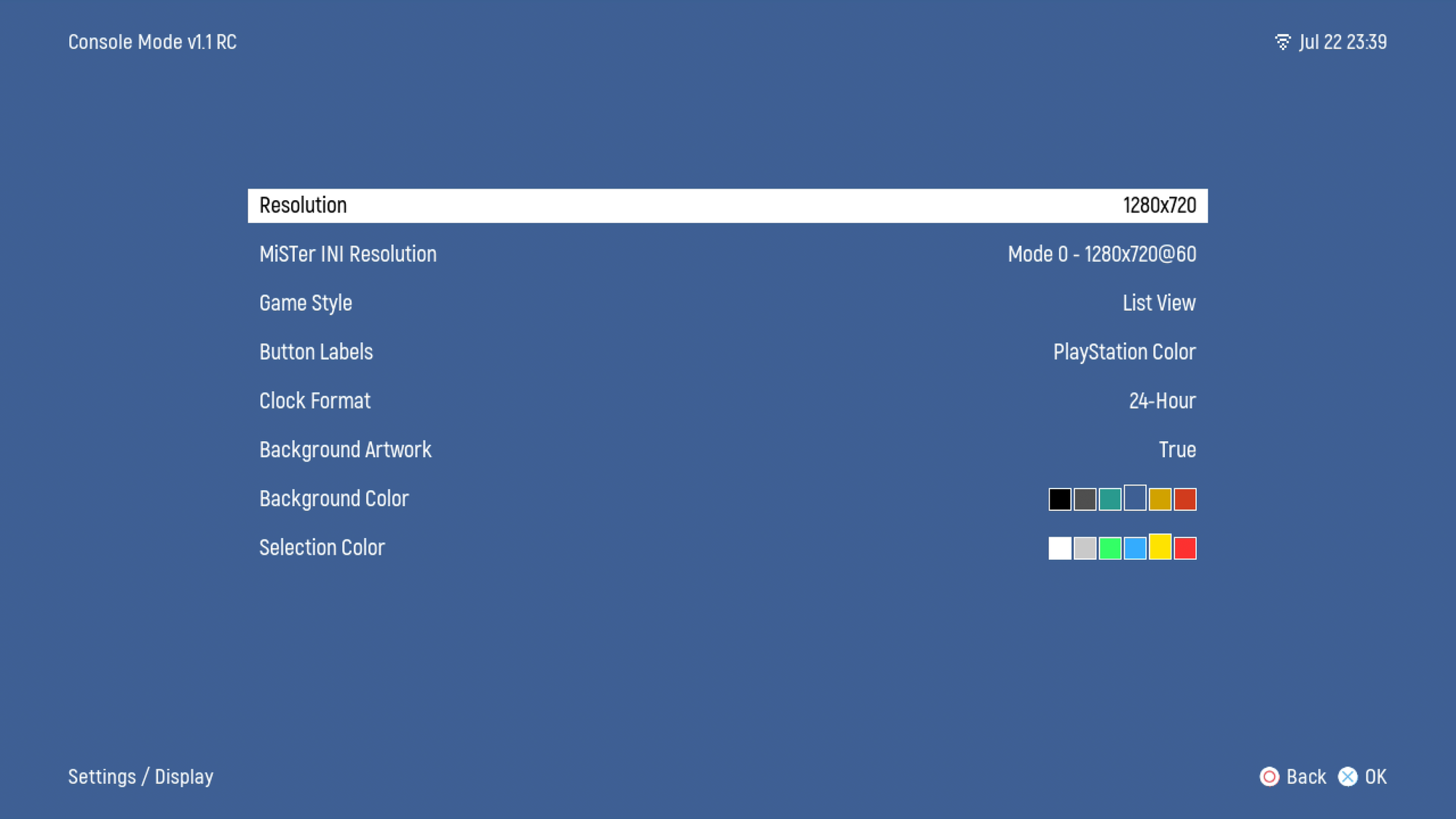
Style-wise, I much prefer the aesthetic of Console Mode to Zaparoo's iconography; I quickly switched from black to the pleasant blue background color. If I had to draw a line between the two, I guess I'd say that Console Mode feels more like a game console, while the Zaparoo's look is more... 2010s Android icon pack? Both accomlish the goal of making the MiSTer much more approachable for those turned off by the sytem's basic DOS-era menu.
Both frontends place a menu item in the MiSTer's default UI that lets you boot back into them, and both also can smoothly load on boot, making it so that at least 90% of your time with the MiSTer can now be spent using a graphical interface. Enough fiddly things around the edges remain that I don't think the MiSTer is yet a system for someone who wants the simplicity of, say, turning on a Game Boy and booting a game off an original cart. But considering the funky error codes I've occassionally run into when troubleshooting an Xbox Series X and the mild circle of hell that is dealing with that UI, I think just about anyone who spends time with a modern console could now brave a MiSTer and survive.
And that's an exciting place for the system to be, especially with the SuperStation soon being able to run games off actual discs. Some MiSTer cores are starting to pop up that offer preliminary disc playback support; RetroAchivements recently arrived on the system; and both Console Mode and Zaparoo Frontend are open source, so we can (and will) soon see forks and improvements and alternate skins.
I really appreciate some of Console Mode's little option touches, like switching from the 24-hour to 12-hour clock. Having a Fave button is great; so is the customizable History view, which shows you the last X number of games you've played. By default Console Mode does a great job of hiding the file and region extensions of game names, but you can turn off one or the other if you want. And it's particularly nice being able to hide games from the library, rather than deleting them, if you think you might someday care about comparing the US and European versions of the same game.
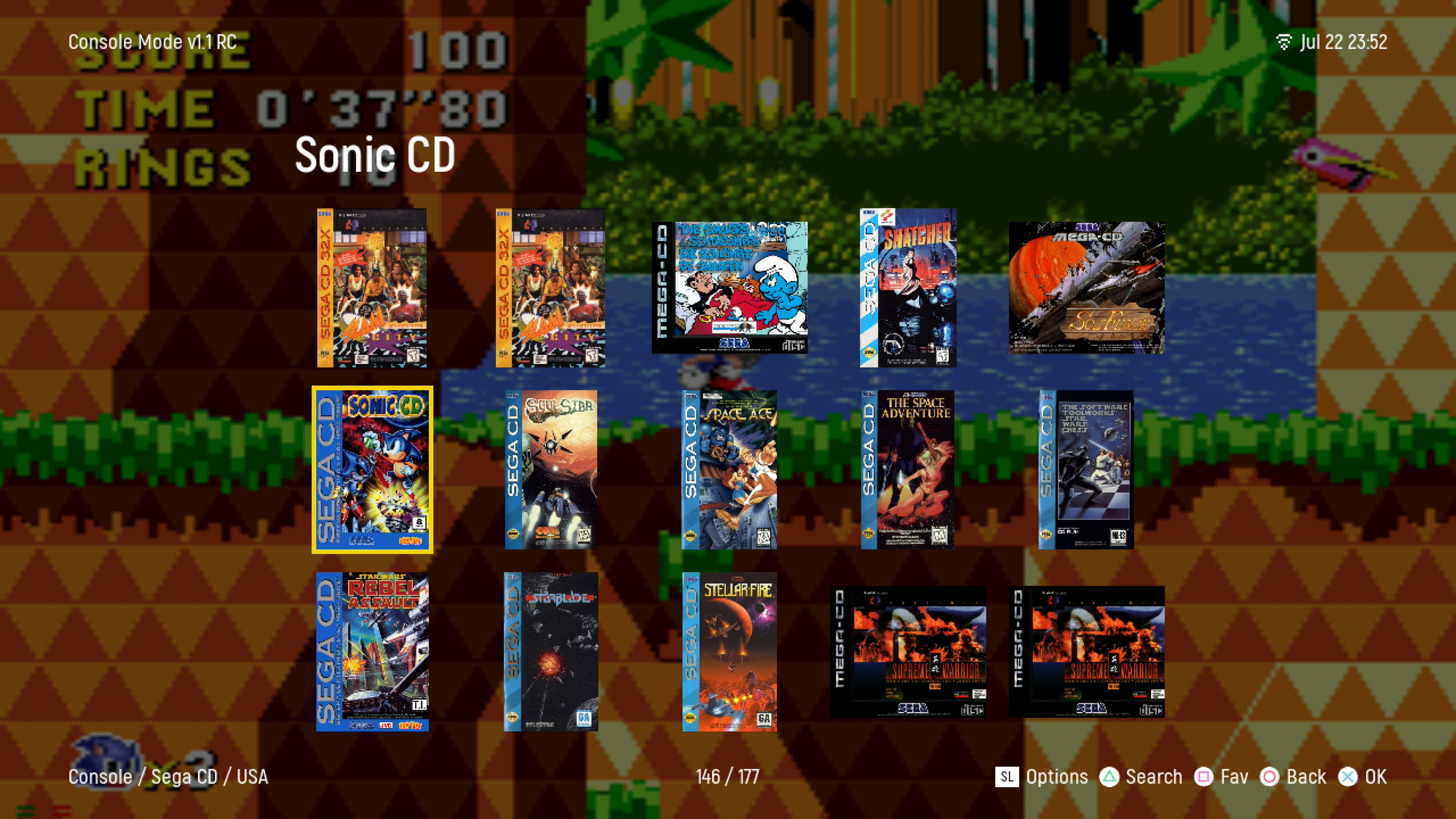
I switched off "background artwork," which is a screenshot that will pop in a couple seconds after you've highlighted a game. It's a nice feature in theory but I don't think works too well in execution; the wait is just long enough to be unsatisfying, though it's better than flashbanging yourself with screenshots while you fast scroll. The biggest problem is the default scraped screens tend to be quite ugly and poorly scaled to fullscreen, though you can use your own custom screenshots which would certainly look much better.
Speaking of scraping artwork: It's built in and works quite well, but good lord is it slow. If you use the MiSTer's update_all list to download loads of arcade cores, expect to leave the system running all night to download all the artwork, and then give the system another full hour to run its optimization process — a separate menu option — to ensure everything stays snappy. I suspect this is a limitation of the hardware moreso than a limitation of Console Mode, but either way it's that classic bummer experience of getting a new device and then realizing you have hours of updates to download before you can use it. Console Mode works perfectly fine without the artwork, of course, but why use a GUI without the G?
There are still a few key features missing from this initial Console Mode release that are stopping me from calling it the definitive MiSTer interface right now:
- CIFS (aka NAS) support for loading games over the network
- "It just works" support for seamlessly merging game folders from the SD card and a USB drive — Console Mode didn't see my USB SSD's games, for some reason
- A display mode that includes metadata like a game's developer, year, genre, etc.
- Sorting/viewing by genre or other tags, and by played/unplayed
- A more customizable "home screen"
The first bullet point there is a biggy, but Taki says CIFS support is already in the pipe for Console Mode's next update, so it may be here very soon (there's technically already a workaround, but it seems more trouble than it's worth). Once that feature is live, I expect more folks in the MiSTer scene with big game libraries to really start testing Console Mode. And there's already a custom theme for Console Mode with the metadata stuff I'd like to see, which is rad — though unfortunately this one is made with AI and full of AI art that bums me out. Still, it bodes well for the future.
I'd say the same goes for Console Mode in general. It may have taken longer than expected to get here, and it still has some little issues. I really like the SS4 layout, for example, but it isn't properly scaling artwork when enlarged, resulting in blurry images. But overall Console Mode does a nigh-miraculous job of running stably and smoothly on hardware never designed to run this sort of UI, while accomodating HD screens and all sorts of analogue displays (even interlaced, even rotated!).
For Taki, I imagine getting this out into the world feels like crossing a finish line. For everyone who's now free to contribute, mod, and fork Console Mode, it's the crack of a starting pistol.
2. In kusoge, can any Tears truly be Innocent?

There I was, all set to make this issue's second feature about a fan translation for Mahjaventure: Warring Tiles, a cute mahjong-slash-adventure game for the Famicom, when translator SnowyAria went and released a second patch this week. And this one, Innocent Tears, is for the Xbox, home to far fewer untranslated Japanese rarities. As you may (should) expect from the translator behind Ancient Roman, it's a weird, messy, and ultimately charming game, and this translation has been in the works for several years.
"The vibe it puts off right at the start definitely pulled me in," says SnowyAria. "I'm a bit of a sucker for angels and demons in a dark setting. ... It's not often I have to dig deep into Christian Apocrypha to figure out what on Earth is going on in the plot of a game!"
Hmm. Well, that doesn't sound all that weird or messy. To the trailer, then!
Some more odd details about Innocent Tears, as compiled by blogger Renne:
- It was supposed to release on the Dreamcast in 2000 before ultimately arriving on the Xbox in late 2002
- Artist Hiroyuki Utatane is better known for drawing adult (yes, that kind of adult) doujinshi
- "For reasons that aren’t particularly clear, the people that remain in the devastated Tokyo area now belong to three distinct groups: angels, fallen angels, and humans. In an imperfect rock-paper-scissors configuration, the angels are hungry and eat humans; the fallen angels, upset about the human consumption thing, hunt angels; and the humans, who are just kind of confused and upset about things, attack anything that moves."
It looks like a budget, but at least basically competent, strategy game. At least, from the outside. But hacker Yuvi found something a bit different when he went poking around in the code to implement SnowyAria's translation.
"This game might be one of the few Xbox games to do something I have never seen," he says. "Most Xbox games have only 1 XBE file, which is where all the main code is and handles everything for the game. But Innocent Tears had to be special because it has 6 XBEs. So this game for every type of thing it did would have a new XBE. You load the title screen that's its own XBE, saving and loading, battle system, map system, visual novel system, and status menu system all their own XBE. When I first looked at this game nearly 3 years ago I was like, this is brutal.... But with enough time, courage, and research I dug deep, and figure out how to get these XBE to bend to my will."
Yuvi says Innocent Tears was "an absolute nightmare" to translate because all of the game's files, other than images, sounds, and movies were stored inside one of those XBEs. Whenever they needed to modify something, they had to go rooting around in an executable, where even tiny changes have the potential to crash the game.
Worse, it meant that any universal changes they wanted to make with the patch — like adding a custom English font — had to be carefully implemented in each executable. That meant six times the workload:
"The game essentially had 6 different executables it would jump between at any given time. I was able to expand the XBE by roughly 10 megabytes, which gave me plenty of room to work with for each XBE to fit all the new English script, and all the custom code required to make it functional and work for the English market. We ended up having to adjust the UI a lot, as it was misaligned for English characters, and too long to fit with all the work we were doing.
"Everything required me finding the position values inside of the XBEs for each executable we needed to move graphics, text position or anything to make it all look proper.
"The nightmare scenario being you have to repeat the same thing 6 times, because the code and functions between them were not always the same. So it was manual effort to find it all."
Both Aria and Yuvi mentioned how much fun they had working on the translation thanks to the developer's comments they found leftover in the code. The whole script was contained in one giant file, with commented out asides next to dialogue like "I'm terribly sorry, but this script has been moved to offset 4134."
"I loved trying to get into the character writing voices for everyone," SnowyAria says. "Most of the cast are crass young adults, so a lot of lines are pretty flippant and edgy (like Kagari trying to fluster Haruaki by saying 'Wanna go bang one out?'). Haruaki's constantly sarcastic, which was a fun challenge trying to get just right while still giving the same feeling the Japanese audience would get. For the priest Father Johannes, I ran most of the lines by a friend who grew up in a heavily Christian family to try and get the feeling right there. Hopefully he comes off as authentic when people play! Claude was your typical arrogant twit, which I personally adore writing arrogant and pompous dialogue for. (That and I can appreciate beating the tar out of a jerk named Claude in 2026, oddly cathardic)."
Like Mahjaventure released just a few days before, Innocent Tears' listing on Romhack.ing includes what seems to be Aria's new slogan, a fitting one for the present moment and for her taste in quirky games:
"No AI was used for this patch. Only genuine stupidity."

"The original Xbox honestly has so many good Japanese exclusives we never got, and I love to keep being a part of the team that brings them to English speaking audiences," Yuvi says to wrap things up. "So I’m really looking forward to bringing more one day. Tenerezza, another Japanese exclusives for OG Xbox is in the works and the hacking is complete, the translation just needs to be finished. So I cannot wait for that to come out."
Patching In

LaserActive Ares core fixed up – Some recent changes to how multi-system emulator Ares works with discs broke the LaserActive core's handling of LaserDisc games, but those issues have now been corrected across a couple updates. Developer Nemesis has also fixed some bugs discovered by testing more recently ripped games, including "a video mixing issue which affected graphics in the Demon's Judgement LDRom2 game for the Pioneer LaserActive with the NEC PAC."
Yaba Sanshiro gets a new rendering engine on PC, fixes loads of games – The Sega Saturn emulator's been getting a new update every few days in the back half of July, with some major improvements first coming in v1.20.25 for the Android version: "Overhauled emulation timing accuracy for much closer real-hardware behavior," "Refined CPU memory access, cache behavior, and bus control to match real hardware," and "More accurate CD-ROM read/seek timing, bringing load and FMV playback closer to real hardware." Then in v120.29, Windows got its "rendering engine renewed to a Vulkan-based asynchronous architecture, unifying behavior with other platforms." Quite a few games that would freeze or crash on startup have also been fixed.
ShadPS4 v0.17.0 introduces archived game support, preliminary online features – The rocket ship PS4 emulator now has its own network support backend, which doesn't mean games are playable online yet, but does set the ground work for that being possible in the future. More immediately exciting: a whole host of updates across interface, kernel, graphics, memory, and more that mark steady accuracy progress. And here's a big win for ease-of-use: "Forget the 20.000 files per game you can now use ZArchive files for compressing games and having them in 1 file instead of hundreds."
Vita3K gets nicer Linux builds – What it says on the tin. And we love a better Linux build around here if it means one fewer reason to use Windows, right?
Dolphin gets better controller support on (Flatpak) Linux – A Dolphin dev recently noted that its Flatpak build was shipping with an oudated version of the SDL controller library that meant "Flatpak users currently miss out on a lot of controller support, notably for Switch 2 controllers and the Steam Controller," so that's now been brought up to speed with the other versions of the emulator.
Core Report

Updater gets new databases and uninstalling – MiSTer cores sorted into databases can now be uninstalled as groups, with those various databases listed here. This includes databses for systems that support loading from physical discs, and a number of new hybrid cores, including DreamSTer, that are partially running via software emulation on the ARM chip, and partially FPGA recreation.
N64 MiSTer core now supports the 64DD – Including mouse support and a RTC so Animal Forest works. Time to get your Doshin the Giant on?
Jotego keeps calling out AI MiSTer cores, and I'm here for it – How much does it suck trying to separate quality human-made cores from hastily made AI ones, right now? It sucks a lot.
AI slop has three negative effects on the #MiSTerFPGA
— jotego (@topapate) July 27, 2026
1. Turns the platform into a second class MAME, that tries to emulate what the emulator does.
2. Drives human talent away
3. Discourages research
Translation Station

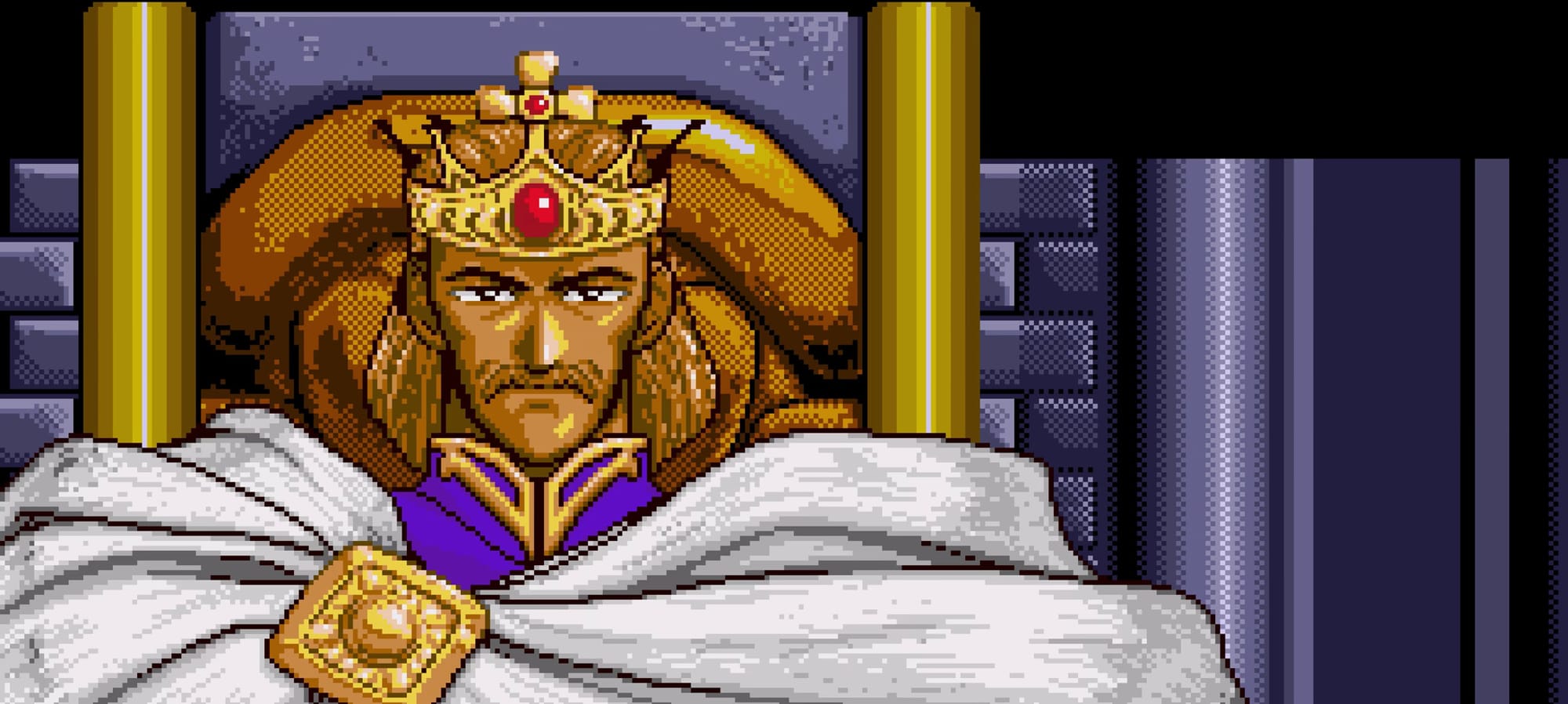
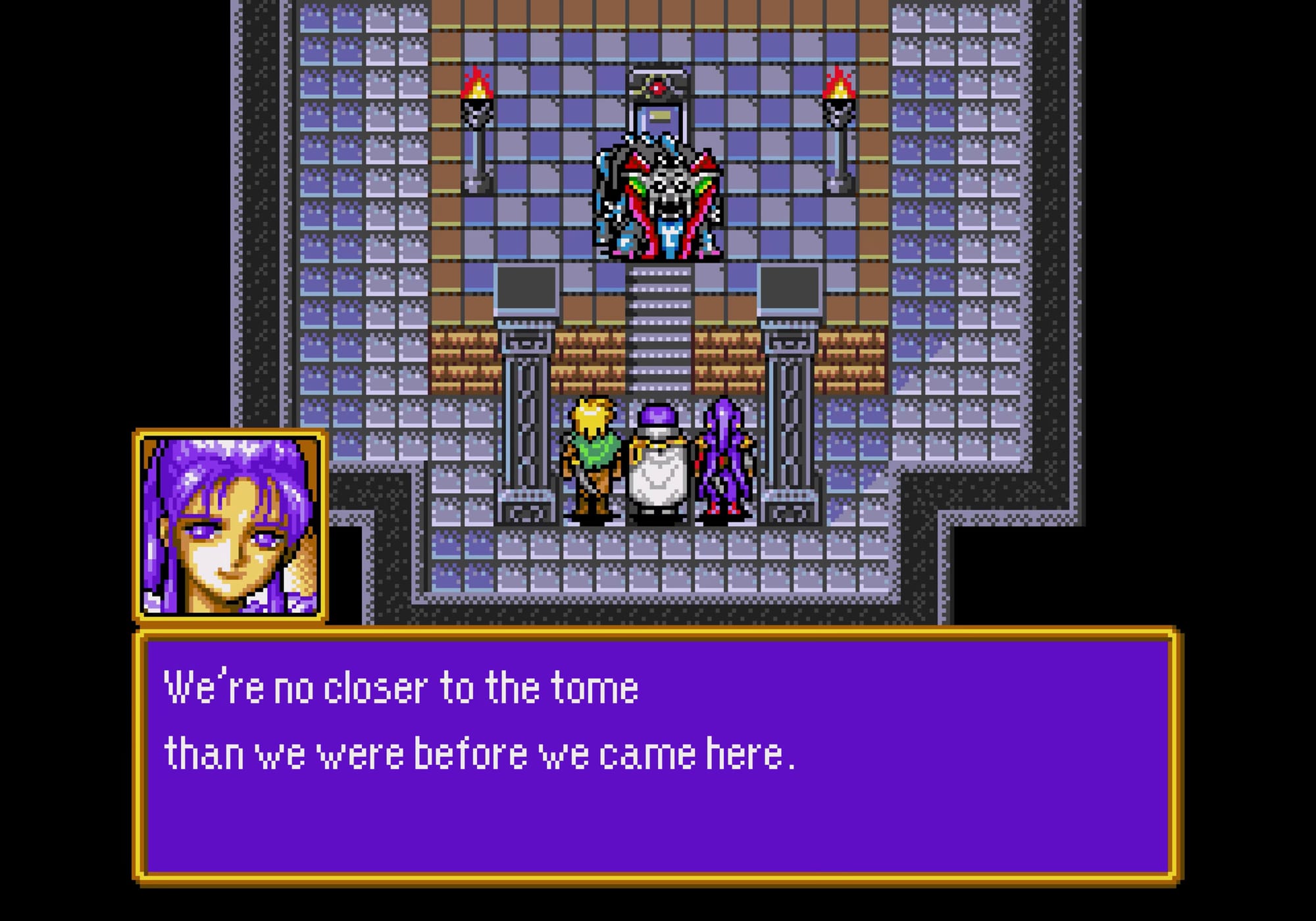
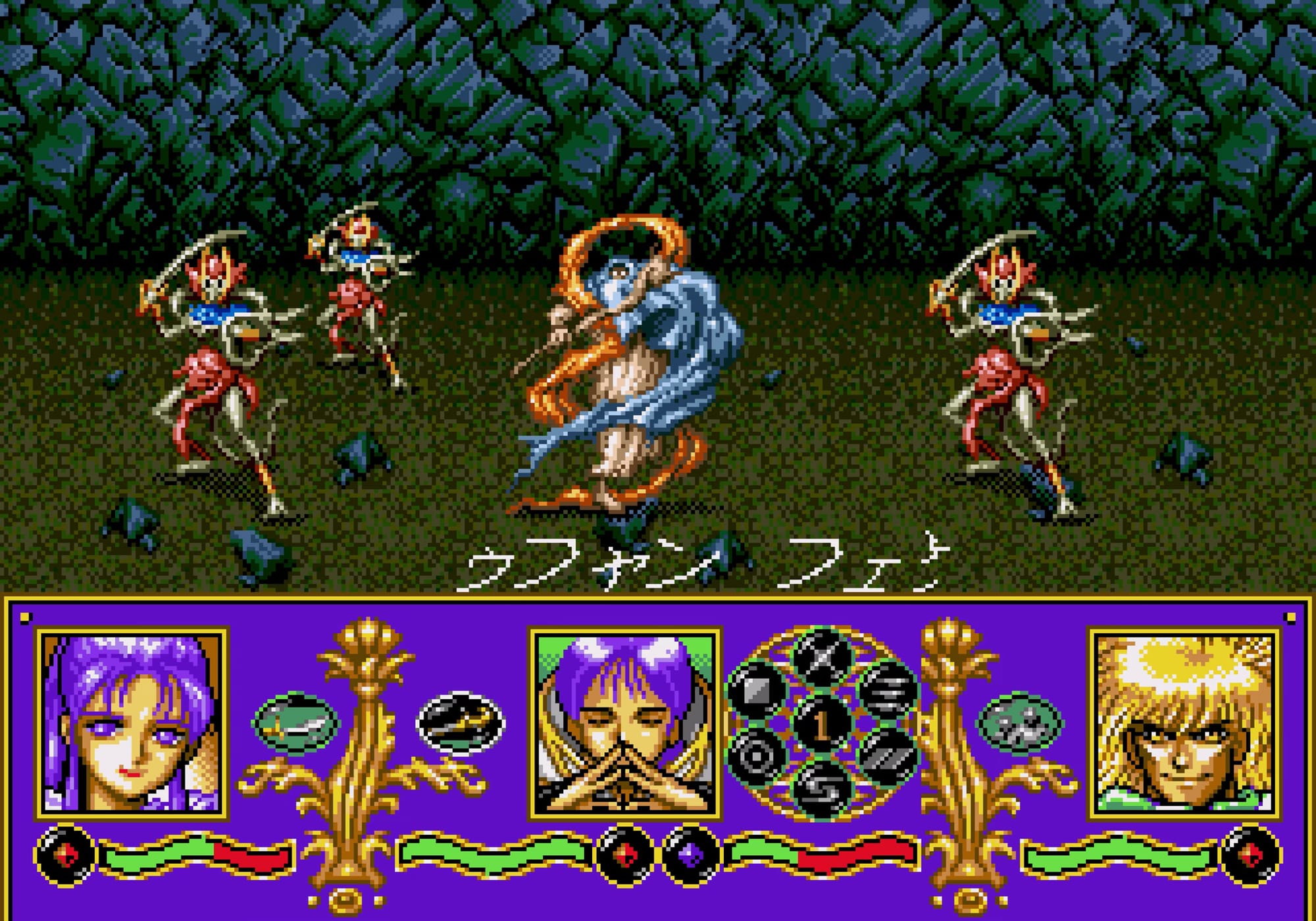
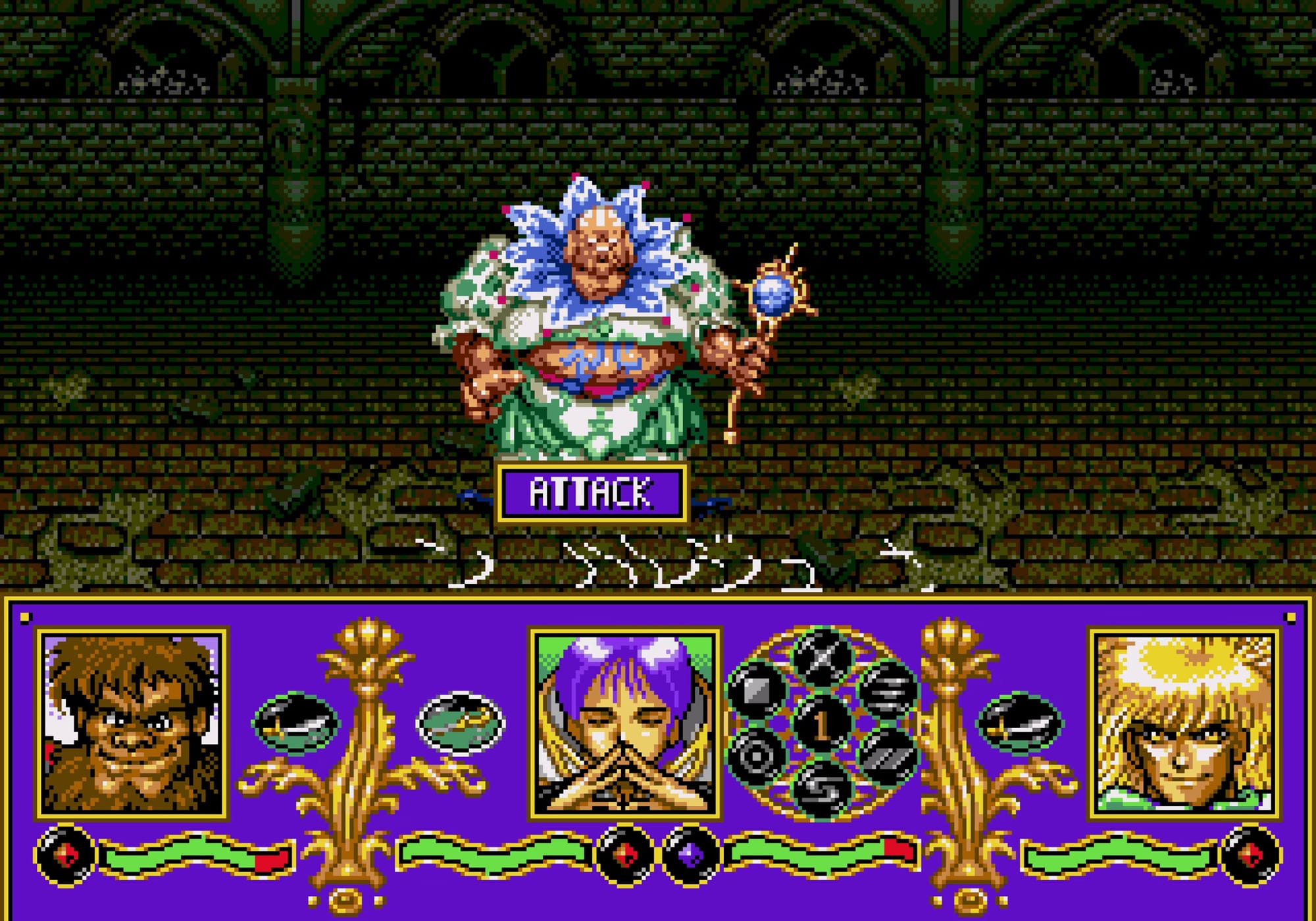
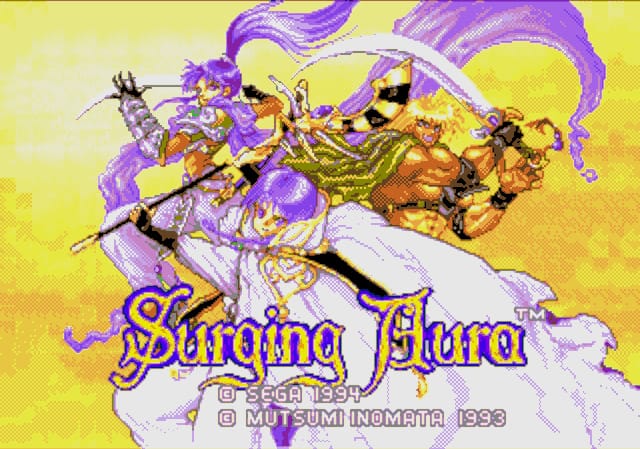
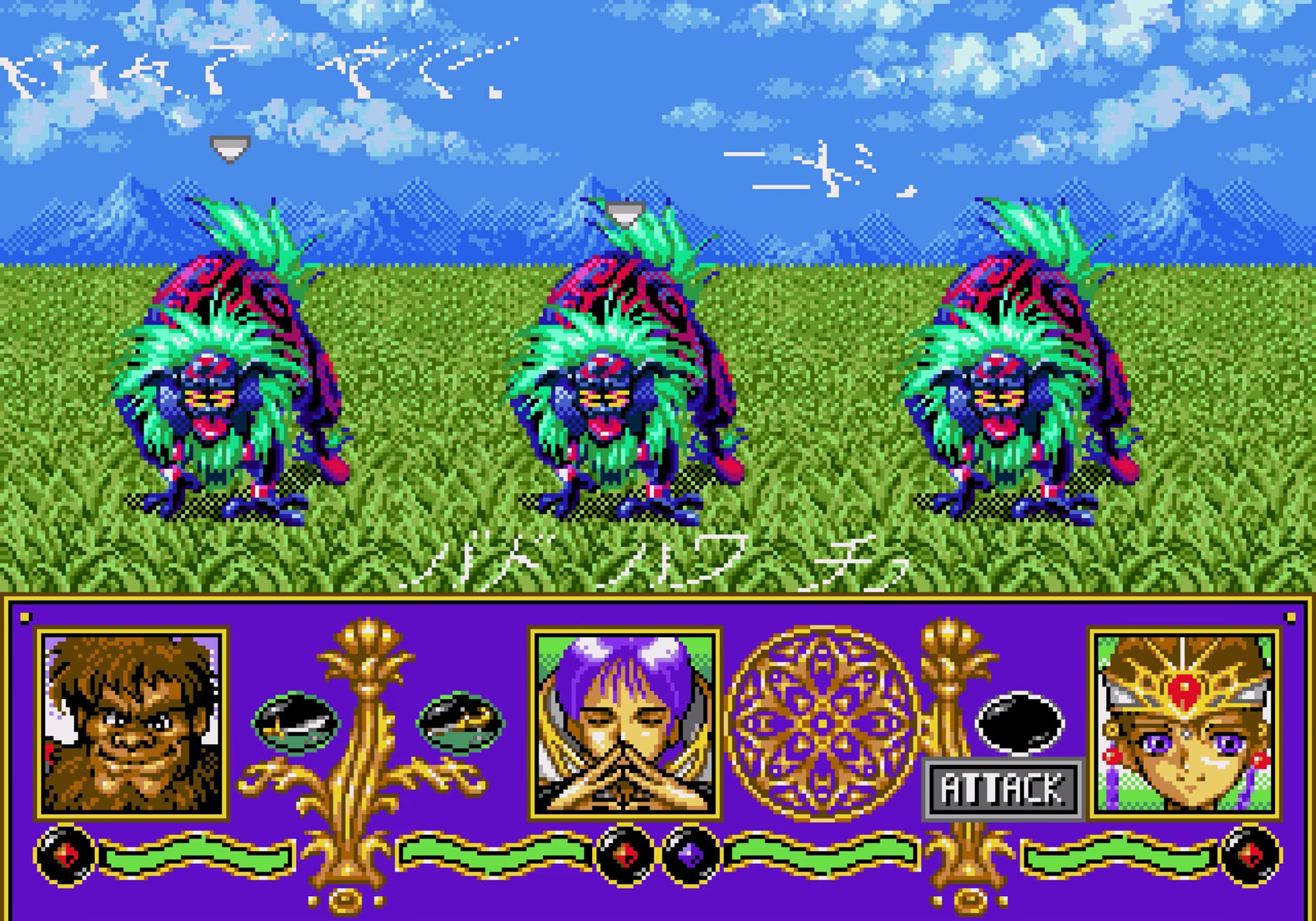
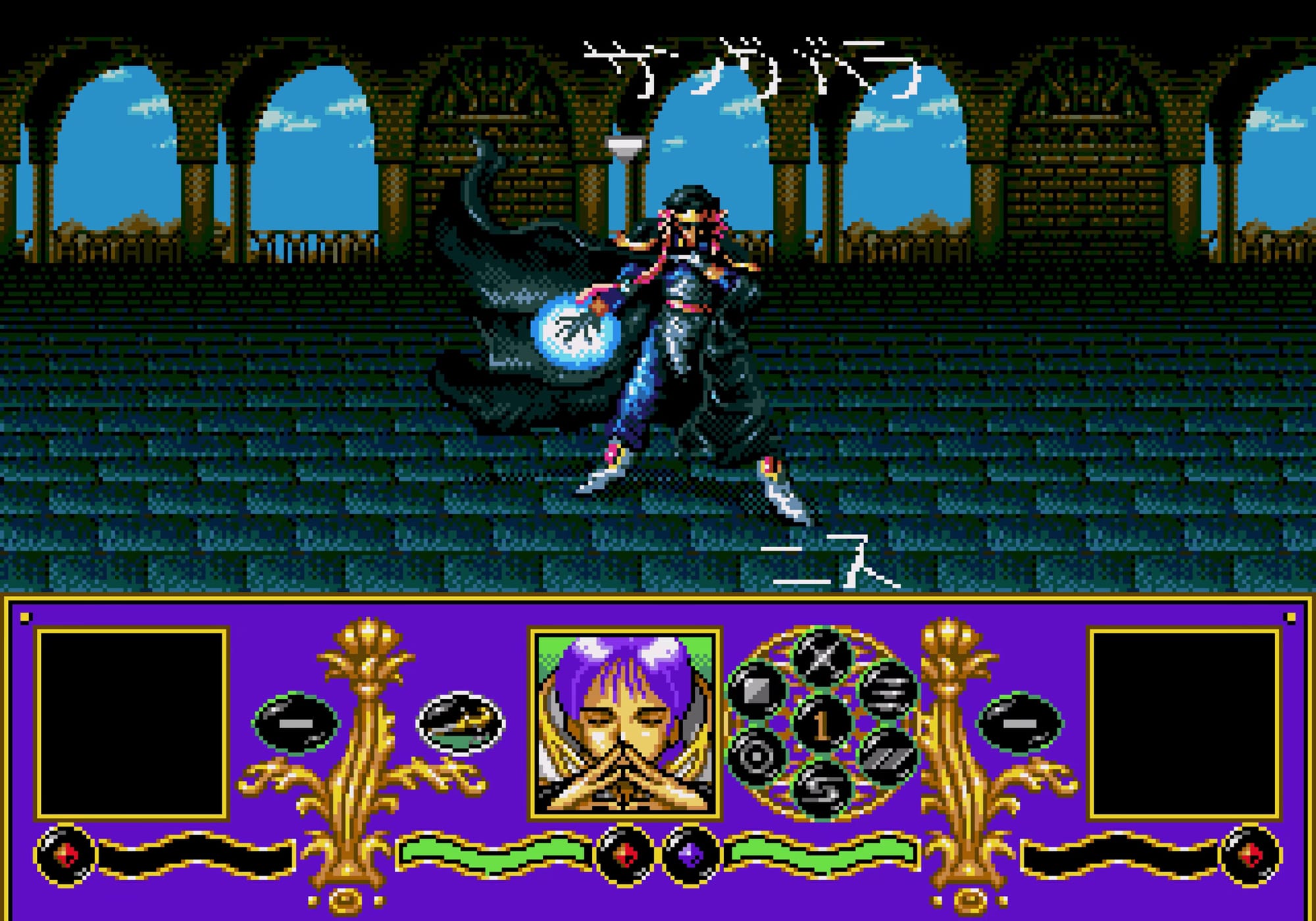
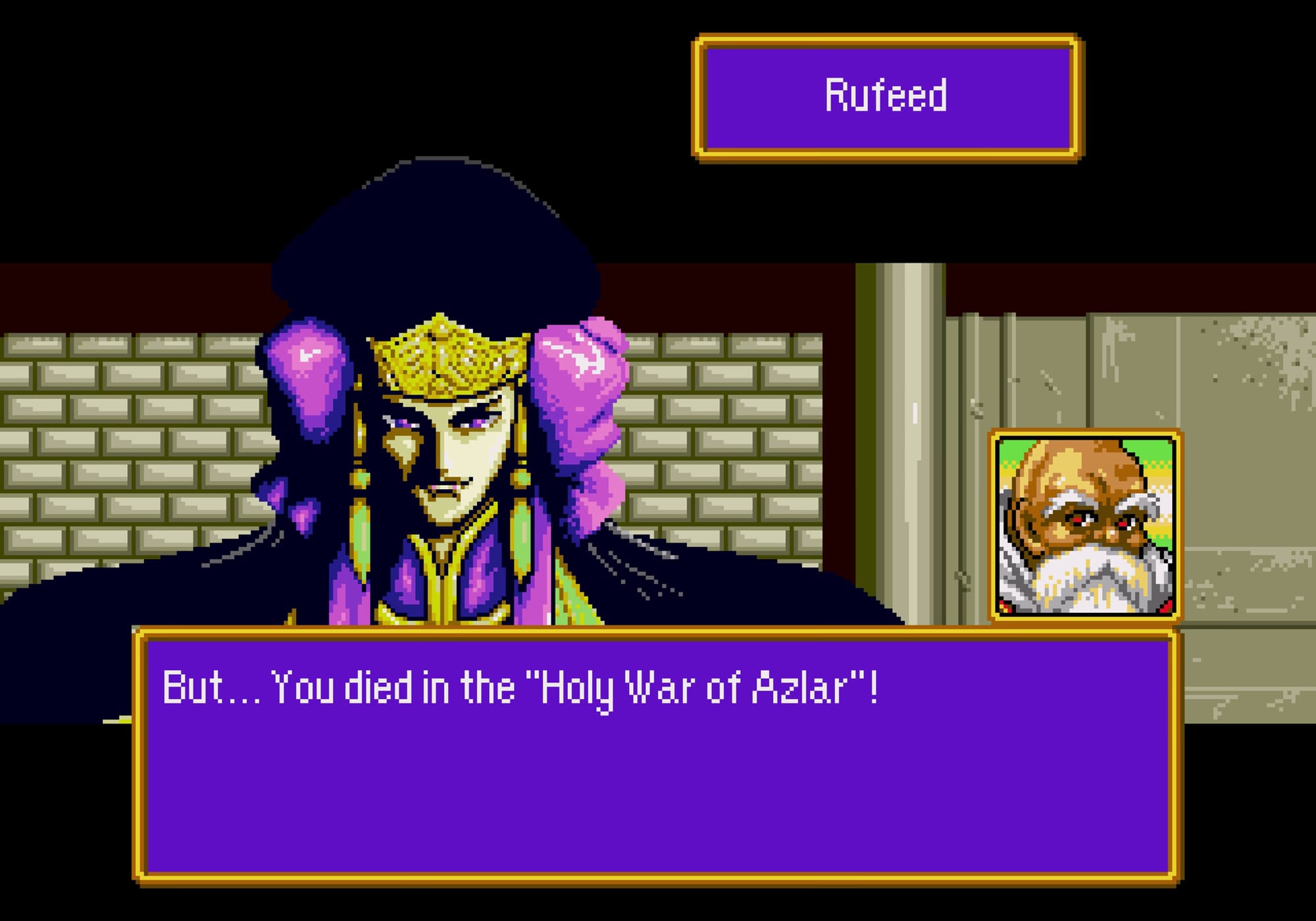
Surging Aura surges into English and Korean after 30 years – A white whale translation patch for '90s Sega Genesis kids who wanted more RPGing after Phantasy Star IV. They got it, with a lot of purple and some gorgeous sprites... at least in Japan. Attempted translations of this one have started and stopped for decades, but one finally crossed the finish line, thanks to hacker Sparkstar carrying on the work of prior hacker and translator RedComet and Guadozoku. Somewhat worryingly, Sparkstar (a native Korean speaker, hence the English/Korean combo here) had originally used ChatGPT to translate the game into English, before inserting the script from Guadozoku — so as far as I can tell, it's the real human deal.
Fullmetal Alchemist 3: The Girl Who Succeeds God transmutes Japanese into English – Congrats to the Anime Game Translations team for the release of this previously unlocalized Square Enix action-RPG! This one has been in the works for quite awhile, but got a boost last year when Sonicman69 joined the project after his release of another PS2 anime game, Cowboy Bebop, as featured in an earlier ROM. "While this game is the third in a trilogy of games, prior knowledge of the games is wholly unnecessary to enjoy the story, as they are only connected through references and not at all by plot. As long as you get the gist of the manga or either anime adaptation you shouldn’t be too lost," Sonicman writes on the AGT blog. And yes, this one is completely AI free.
A bright future for Brightis, with two translations – A 1999 action-RPG from Soul Blazer developer Quintet, Brightis saw a translation pop up on GitHub a week-ish ago, prompting a bit of confusion — it turned out to be a fork of a project from an existing group of devs that had been dormant for awhile, but happened to have recently resumed development. That situation has been resolved amicably: the fork by developer Wado is playable now, while the original project is still in active development and even got a callout on Wado's GitHub page. Nice!
Good pixels

Let's appreciate that Surging Aura spritework a bit more, shall we?